
The Carvera Air
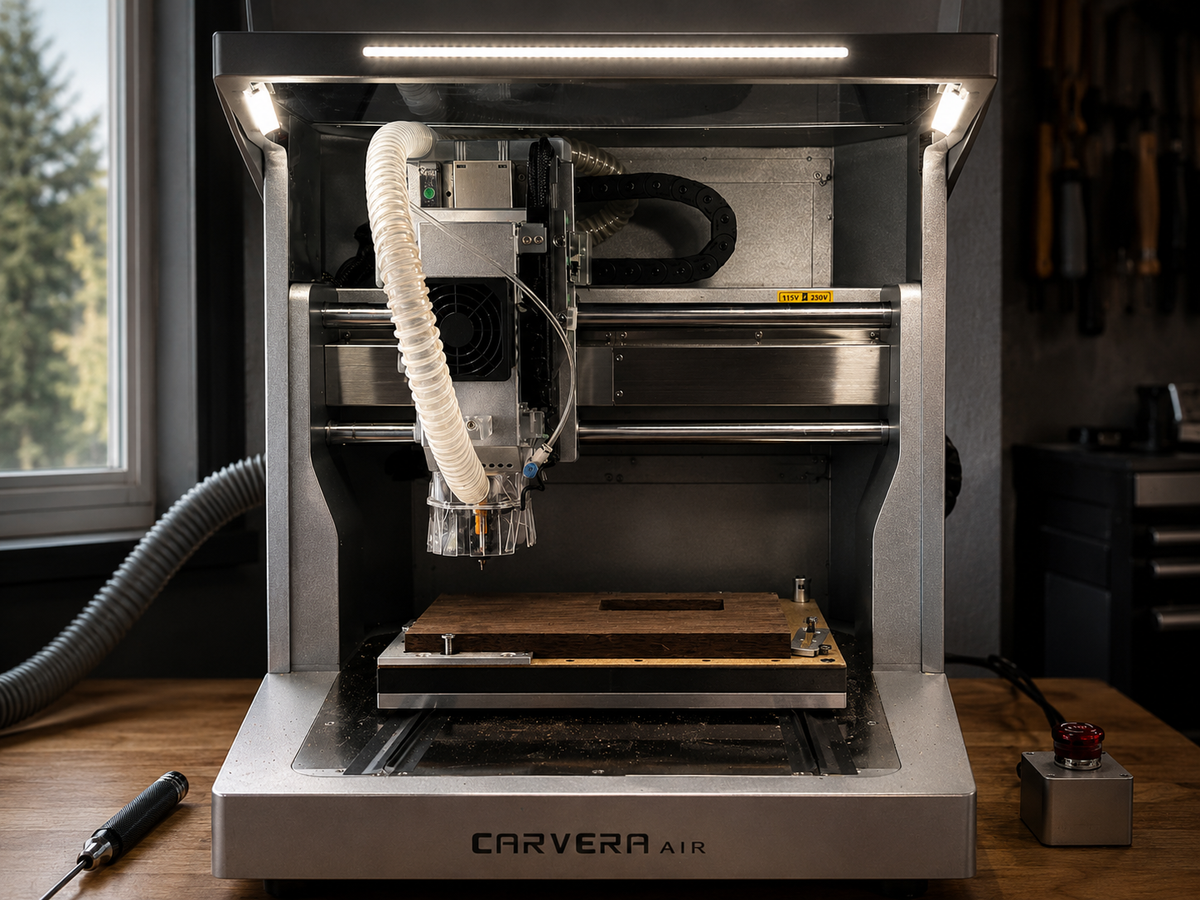
Most CNC machines promise precision.
What they actually require is time—time to set up, time to troubleshoot, and time to learn a completely different workflow.
That’s been my experience, at least.
I’ve owned a CNC before—the Shapeoko 3—and while I appreciated what it could do, I never fully integrated it into my shop. Every project felt like a reset. Something to relearn. Something to fix.
Eventually, it stopped being a tool and started being a project.
The Carvera Air is trying to solve that problem.
It’s not positioned as a production machine or a fully open platform. It’s built more like a self-contained system—something closer to a finished product than a kit.
After finally getting mine set up and running a few initial cuts, the question isn’t really about power or capability.
It’s simpler than that:
Does it actually fit into a small shop without becoming a project of its own?
First Impressions — Setup & Reality
I backed the Carvera Air on Kickstarter and had it sitting for a while before getting it set up. Space and time were the main constraints, so it sat in my garage for a long time in the box. My Glowforge recently kicked the bucket after years of use and that made room for a new machine.
Setup was straightforward overall.
Once i got the heavy machine in place, unpacking it was easy. It came with many well organized accessories and was relatively easy to assemble.
There’s a difference between a machine you build and configure, and one that arrives ready to be used. The Carvera Air leans toward the latter.
Early impressions
A few things stood out right away:
- The overall build quality is solid for the price
- The included bits and test materials are genuinely useful
- The machine feels refined in a way most desktop CNCs don’t
It doesn’t feel like an entry point into CNC as a hobby—it feels like a tool designed to be used.
First run
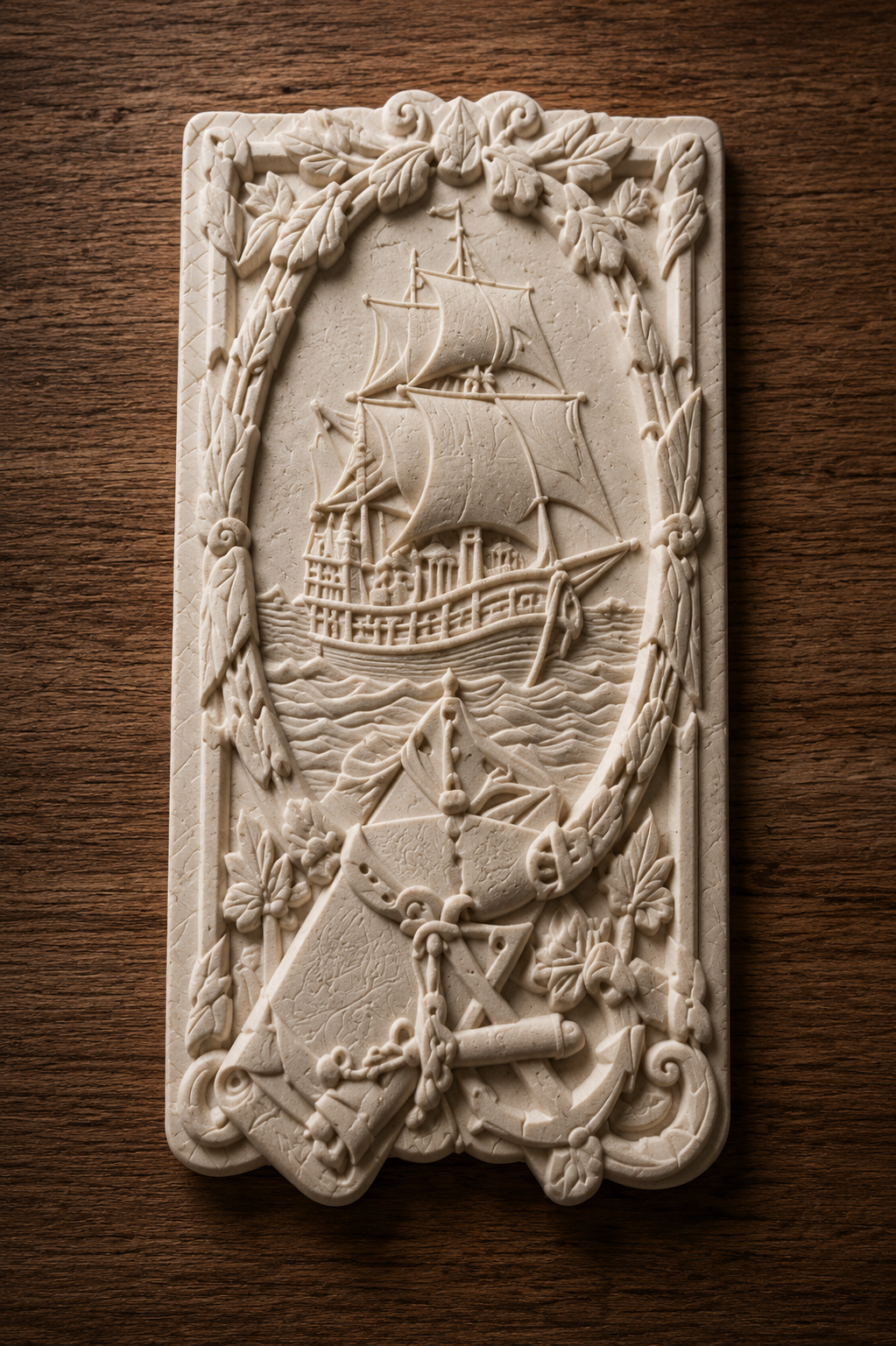
The first test project went smoothly.
Load the file, run the job, and get a clean result. No unexpected issues, no immediate need to troubleshoot.
That shouldn’t be noteworthy—but with CNC, it often is.
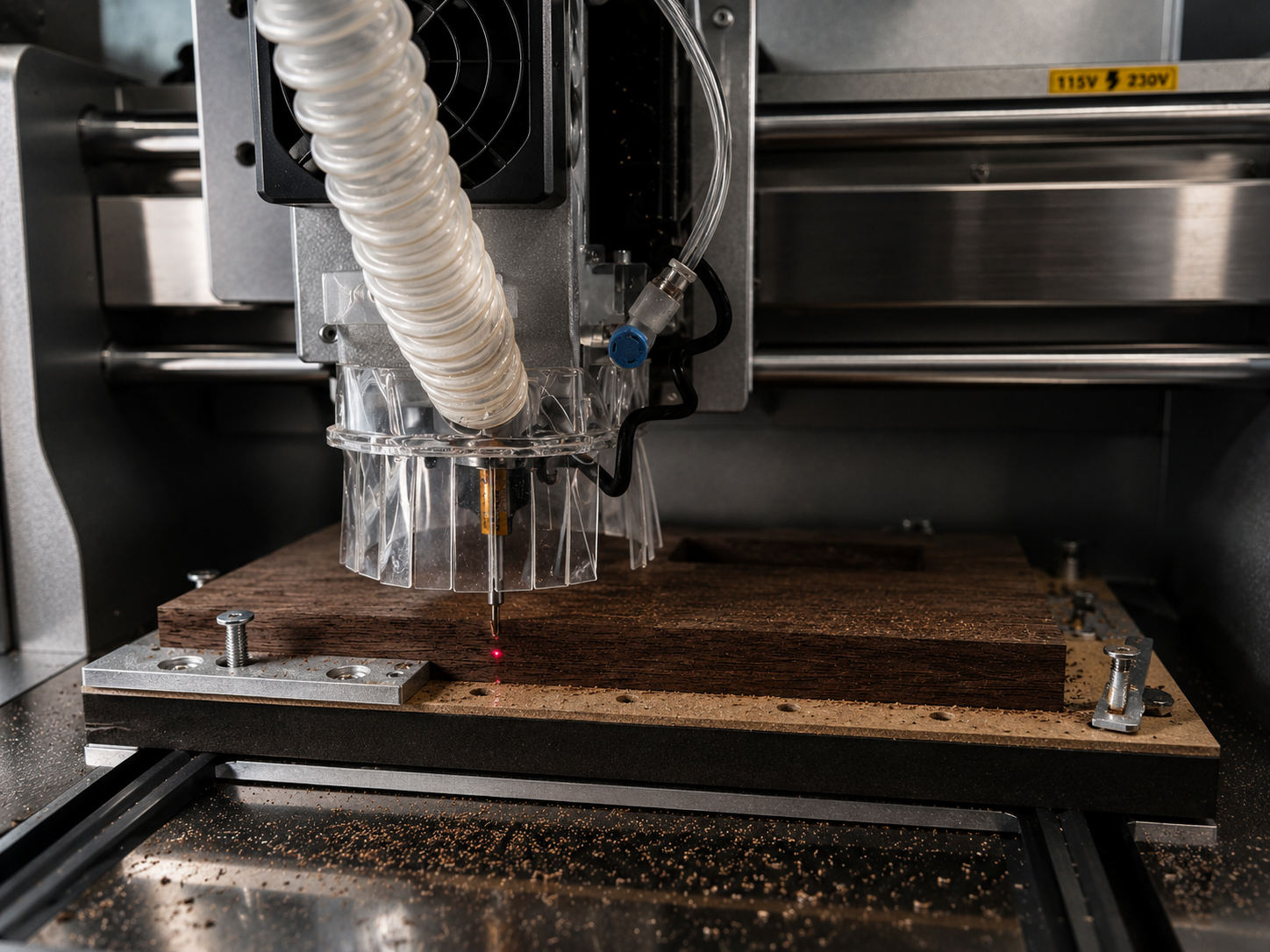
More importantly, the experience felt contained. The enclosure keeps things controlled, the noise is manageable, and it doesn’t dominate the space around it.
It behaves more like a tool in the shop than a system you have to work around.
What It Gets Right
You still need to learn the workflow—but you’re not fighting the machine at the same time.
- It’s enclosed
- It’s largely pre-configured
- It doesn’t immediately require upgrades or modifications
That lowers the barrier to actually using it.
It’s well thought out as a product
The included bits and materials are a good example of this.
They’re not filler—they’re there to help you get started and get a result quickly. That reflects how the machine is positioned.
It fits into a real shop
This is where it clicked for me.
Once it was set up, it didn’t feel separate from the rest of my tools. It didn’t demand space or attention beyond what it needed to do its job.
That’s the difference between a machine you own and one you actually use.
The Company Behind It — Makera
Makera isn’t coming from the traditional CNC world. They’re clearly trying to build something different—something closer to a consumer-grade fabrication tool than a typical machine shop platform.
That shows up in the hardware.
The Carvera Air feels like a finished product. It’s enclosed, relatively self-contained, and designed to be used without constant modification. That alone puts it in a different category than most desktop CNCs.
If anything, the approach is closer to what companies like Bambu Lab have done in the 3D printing space—tight integration, controlled experience, and a focus on usability over openness.
That’s a shift.
Traditional CNC platforms tend to prioritize flexibility and customization. Makera is clearly prioritizing accessibility and ease of use instead.
Where it’s going
Makera has already hinted at where they’re heading next.
They’re working on expanding the ecosystem around the machine—things like a project marketplace, more guided workflows, and improved software. There’s also new hardware on the horizon with the Makera Carvera Z1, which suggests they’re continuing to build out this category rather than treating the Carvera Air as a one-off product.
That direction matters.
Because right now, the hardware feels ahead of the overall experience.
Where It Falls Short
No tool is without tradeoffs, and this one isn’t either.
The more time I spent with the Carvera Air, the more the distinction between the hardware and software became apparent.
The machine itself feels refined.
The software ecosystem still feels like it’s catching up.
That doesn’t mean it’s unusable. I was able to get good results fairly quickly, including one of the included 3D relief projects, which came out beautifully. But once I moved beyond the example workflows and started trying to create my own projects, some limitations became more noticeable.
Makera CAM still needs work
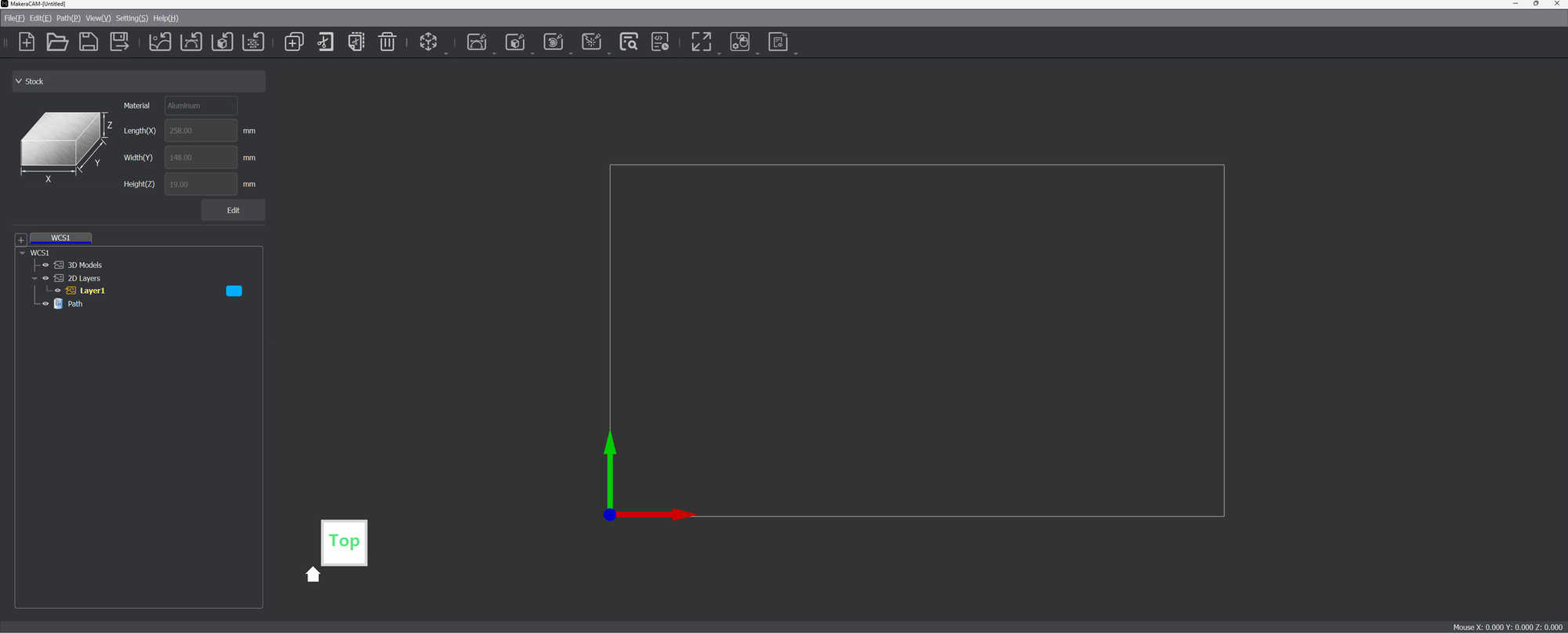
The biggest friction point for me has been Makera CAM.
Compared to other CAM software, it feels like it’s still missing some advanced workflow tools and quality-of-life features.
One issue I ran into involved trying to carve mirrored STL files to matching depths. I couldn’t find a clean way to control the machining by depth in the way I expected, and the workflow felt more restrictive than it should have been.
That doesn’t mean the software is incapable—but it does mean you occasionally run into situations where you’re fighting the workflow instead of focusing on the project.
CNC CAM is still CNC CAM
This is an important point.
Even with a more approachable machine like this, CNC work still requires a decent understanding of:
- Toolpaths
- Feeds and speeds
- Workholding
- Zeroing
- Model preparation
There’s probably a limit to how simple this can become while still remaining safe and accurate unless AI is integrated in a big way.
But at the same time, companies like Bambu Lab and xTool have shown that advanced tools can still be approachable and highly guided.
That’s where Makera feels slightly behind the curve.
The ecosystem still feels incomplete
This is where I think the biggest opportunity exists.
Makera has talked about building a marketplace and stronger community ecosystem around the machine, but right now it still feels early.
That matters more than it might seem.
A lot of people entered ecosystems like:
- Glowforge
- Bambu Lab
- Modern laser platforms
…because there was already a community creating projects, workflows, and products around the machines.
That lowers the barrier dramatically.
It turns the machine from:
“What can I do with this?”
into:
“What do I want to make first?”
Right now, the Carvera hardware feels further along than the ecosystem surrounding it but it seems like that is something the company is actively working on.
Where I ended up
Eventually, I shifted part of my workflow into Autodesk Fusion and Blender, using Claude to help prep and refine parts of the machining setup.
That worked well overall, although I still had a few failed attempts—including breaking two bits while dialing things in.
Honestly, that’s a fairly normal CNC experience.
And despite the frustrations, I’m still excited about the machine.
Because even with those failures, the underlying hardware consistently feels solid and capable.
The hardware experience remains excellent
This is the interesting contrast.
Even while struggling with parts of the workflow, I still enjoyed using the machine itself.
I connected it to a cheap air assist setup and my Festool dust extractor using a simple 3D-printed adapter. The setup worked extremely well, and the spindle-triggered activation through the dust extractor made cleanup almost effortless.
I still eventually plan to purchase the dedicated dust extractor that Makera makes as i have many other shop uses for the festool and don't want to dedicate it to this machine.
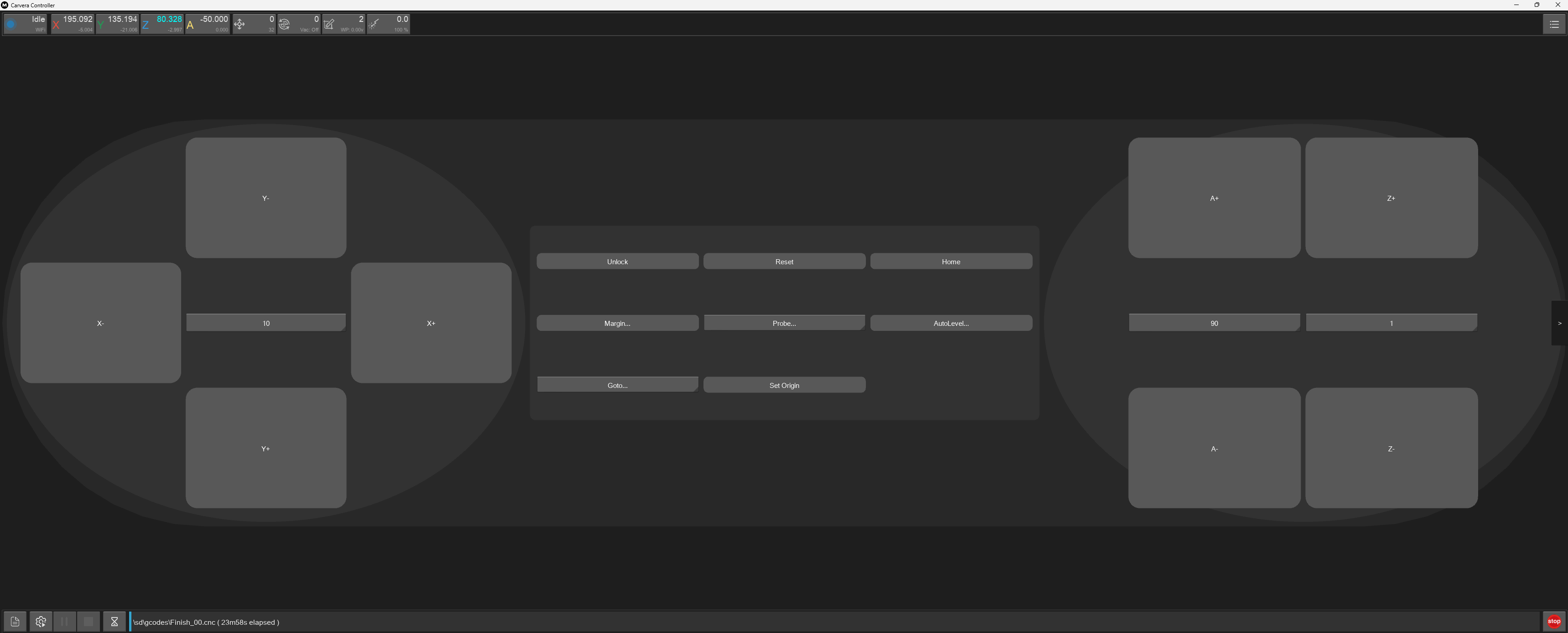
The Makera Controller app is also solid overall. The ability to continue operations directly from the machine is genuinely useful when things are running smoothly.
The experience just still needs another layer of refinement.
Who This Is Actually For
The Carvera Air is a specific kind of machine, and it makes more sense for some users than others.
A good fit if you:
- Work in a smaller or shared shop
- Want to use CNC without constantly managing it
- Build physical objects, not just flat pieces
- Are interested in small-scale or repeatable products
Less ideal if you:
- Need large work areas or production throughput
- Prefer fully open, customizable CNC platforms
- Expect a highly polished software experience today
Final Thoughts
The Carvera Air isn’t the most powerful CNC available.
That’s not really the point.
It’s trying to make CNC something that fits into a normal shop—something you can use without it becoming a separate project.
From what I’ve seen so far, it does a good job of that.
The hardware is solid. The experience is manageable. And it lowers the barrier enough that it’s easy to see it becoming part of a regular workflow.
The software still has room to improve, and there are a few details that could be better integrated.
But overall, it feels like a step toward making CNC more usable for the kind of work most people are actually doing.
If you’re considering one, check current pricing and availability here.